


NETRON CLU
Discontinued
NETRON CLU has been superseded by NETRON CLU 2.0. Click here to jump to the latest version.
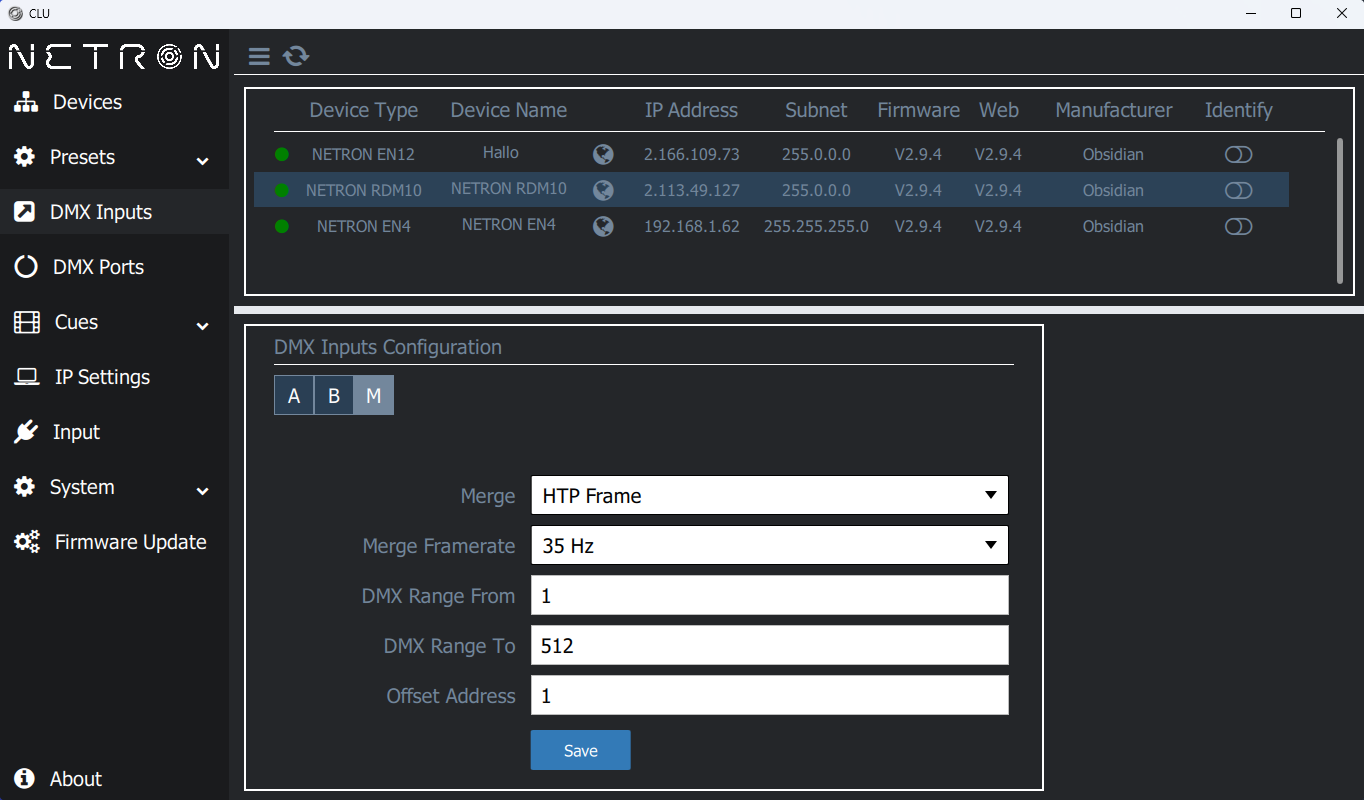
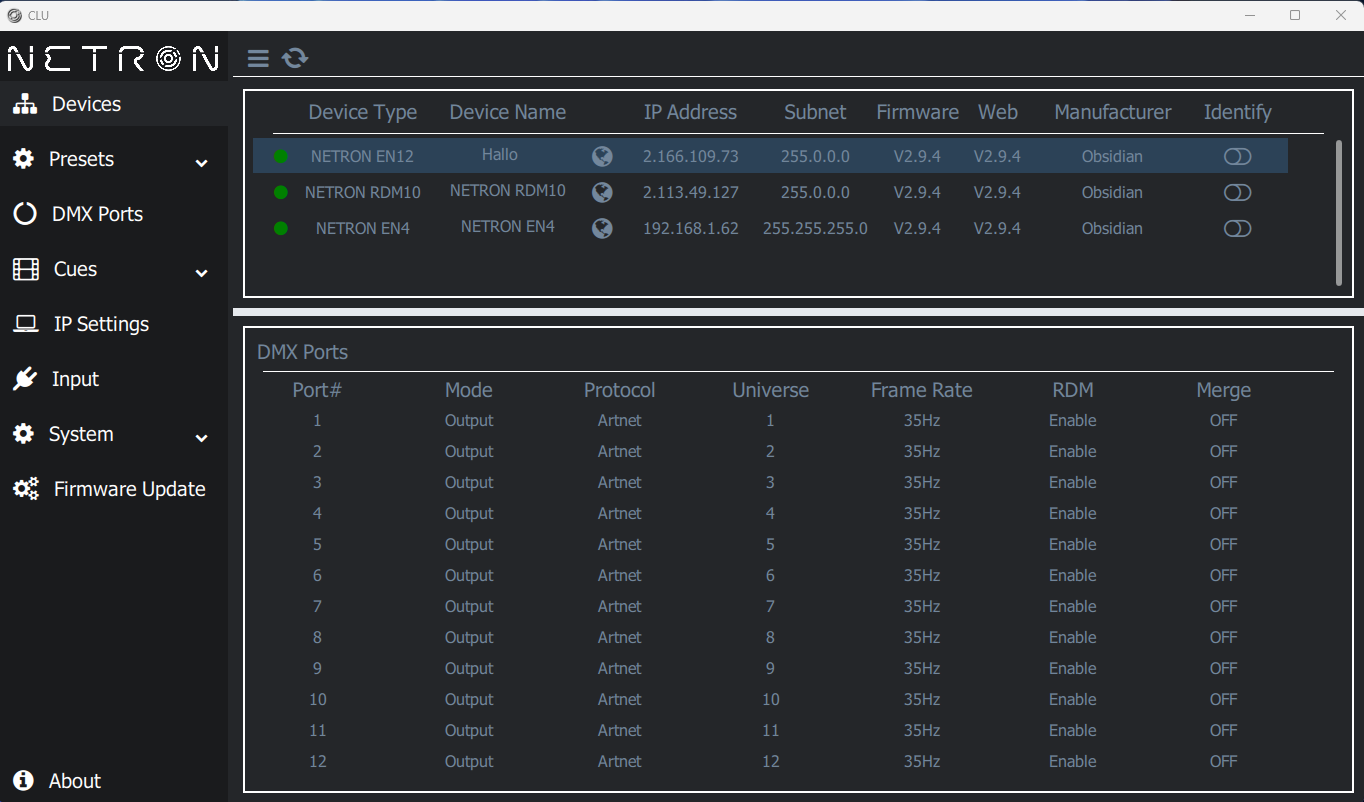
The NETRON Central Utility (CLU) provides an easy to navigate interface to discover and manage NETRON devices across a network.
Devices can be found regardless of their current IP address, and all NETRON features can be centrally configured without the need to access individual web pages or the device displays.
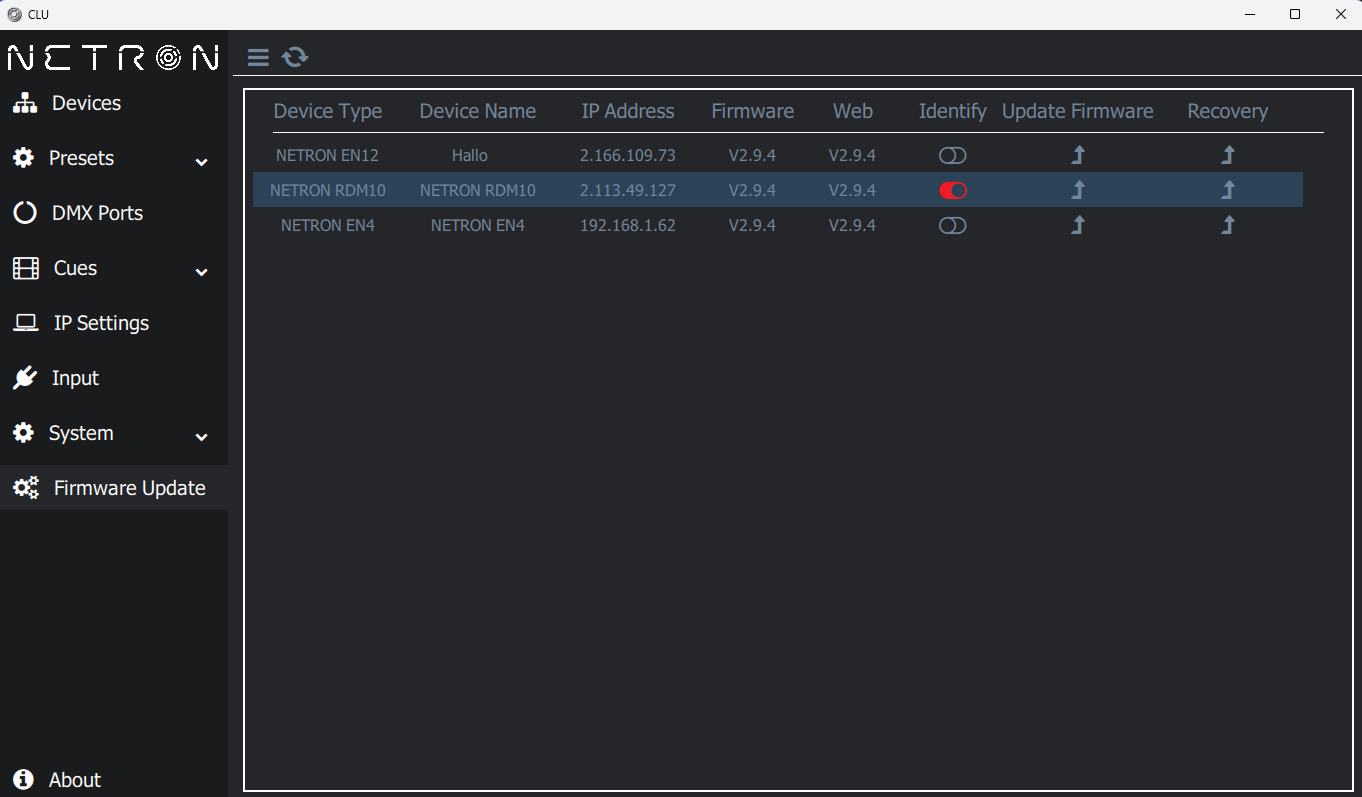
NETRON CLU contains the latest firmware release files and allow to upgrade multiple devices at the same time with a single click.
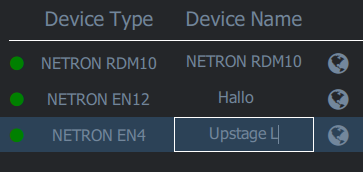
CLU continuously monitors the network status and indicates devices online or offline status on the user interface.
NETRON CLU
Sale price$0.00
Replaced by
Related Products
NETRON CLU
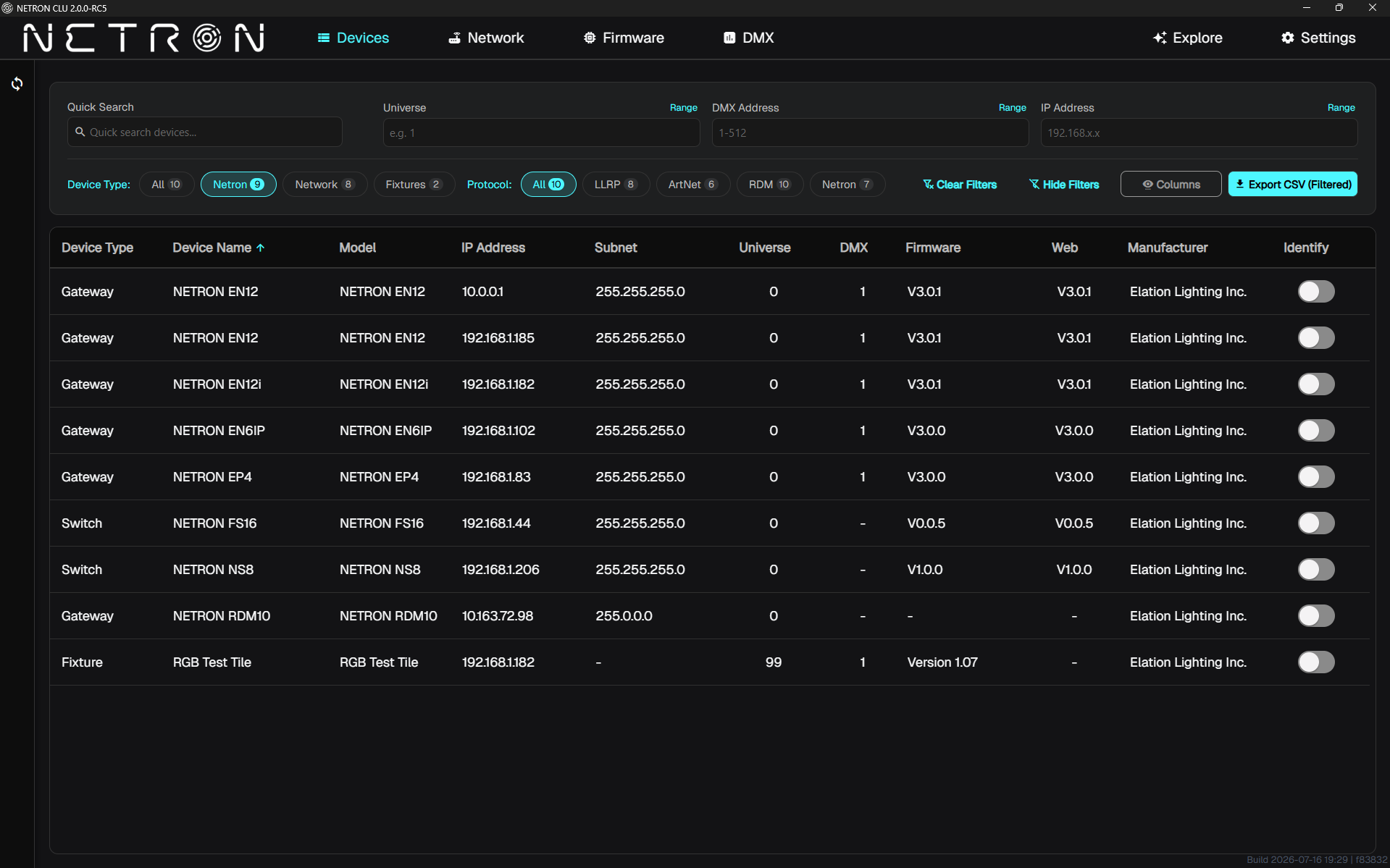
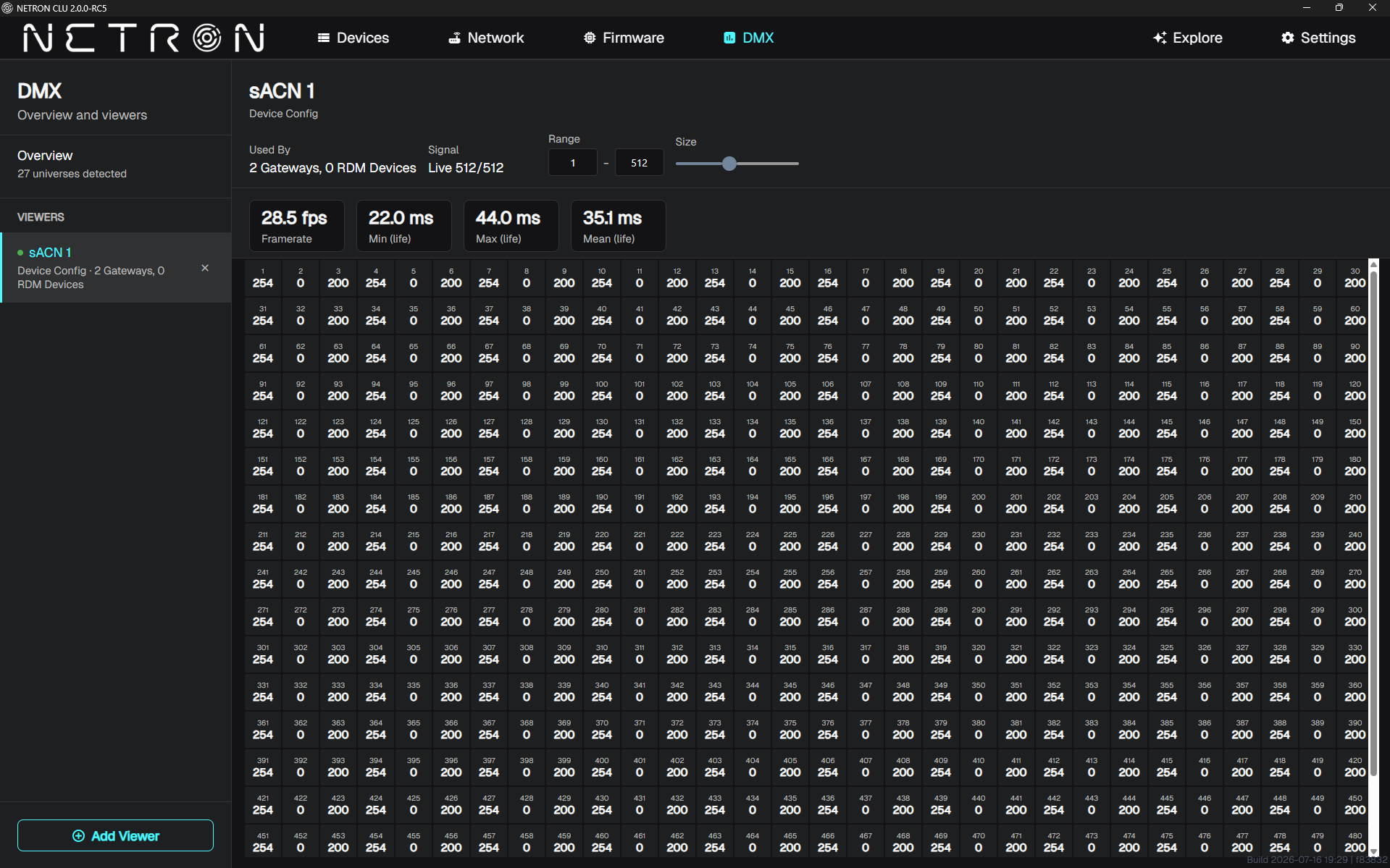
The NETRON Central Utility (CLU) provides an easy to navigate interface to discover and manage NETRON devices across a network.
Devices can be found regardless of their current IP address, and all NETRON features can be centrally configured without the need to access individual web pages or the device displays.
NETRON CLU contains the latest firmware release files and allow to upgrade multiple devices at the same time with a single click.
CLU continuously monitors the network status and indicates devices online or offline status on the user interface.
Devices can be found regardless of their current IP address, and all NETRON features can be centrally configured without the need to access individual web pages or the device displays.
NETRON CLU contains the latest firmware release files and allow to upgrade multiple devices at the same time with a single click.
CLU continuously monitors the network status and indicates devices online or offline status on the user interface.
- NETRON device discovery across all IP ranges
- Remote access to all device functions
- Integrated firmware update management
Specifications
Requirements
- Windows 10 / Windows 11
- 100/1000 Ethernet Port
- Administrative Access Rights
Downloads
Brochure
Installation guide
- Diagram: NX1, EN4 x2
- Diagram: NX1, NS8, EP4
- Diagram: Console & Gateway
- Diagram: NX1, NS8, EP4 x4
- Diagram: NX4, NS8, EN12
- Obsidian Ecosystem